 29 June 2026
 Share
Share
1
Creating a home office that is both cozy and functional can significantly improve your productivity and overall work experience. Whether you have a dedicated room or just a small corner in your living space, the right setup can make your work-from-home routine more enjoyable and efficient. In this post, we’ll explore practical tips to help you design a home office that feels inviting and supports your daily tasks.
Select a spot with plenty of natural light. Sunlight boosts mood and energy, making it easier to stay focused. If possible, position your desk near a window, but be mindful to avoid glare on your computer screen.
Pick a quiet area away from household traffic or noise. If space is limited, use room dividers or screens to create a sense of separation. A calm environment helps maintain concentration.
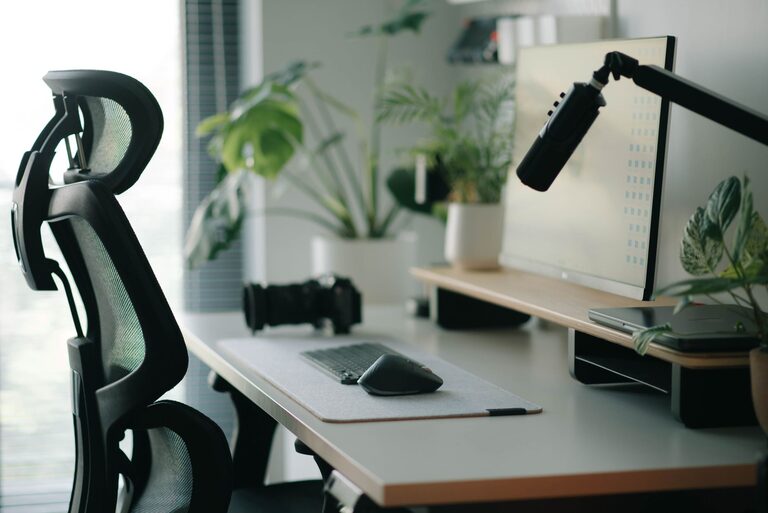
An ergonomic chair that supports your posture can prevent back and neck pain. Look for adjustable features such as height, lumbar support, and armrests.
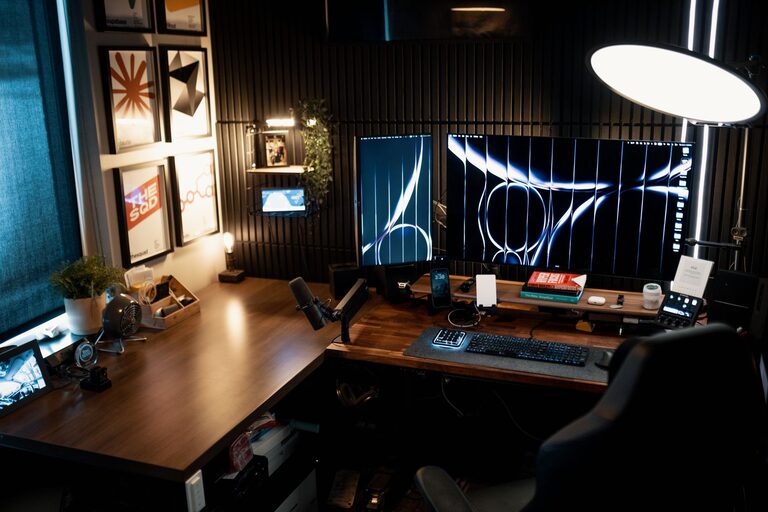
Choose a desk that fits your space and work needs. A surface large enough for your computer, notepads, and other essentials is ideal. If space is tight, consider wall-mounted or foldable desks.
Keeping your workspace organized reduces stress. Use shelves, cabinets, or drawer units to store office supplies and paperwork neatly.
Soft, neutral colors promote relaxation and focus. Shades like light blue, green, or beige create a calming atmosphere without distracting you.
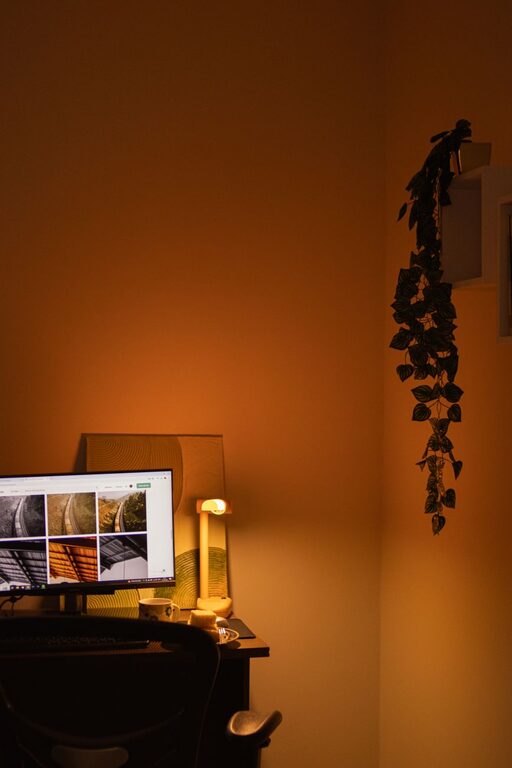
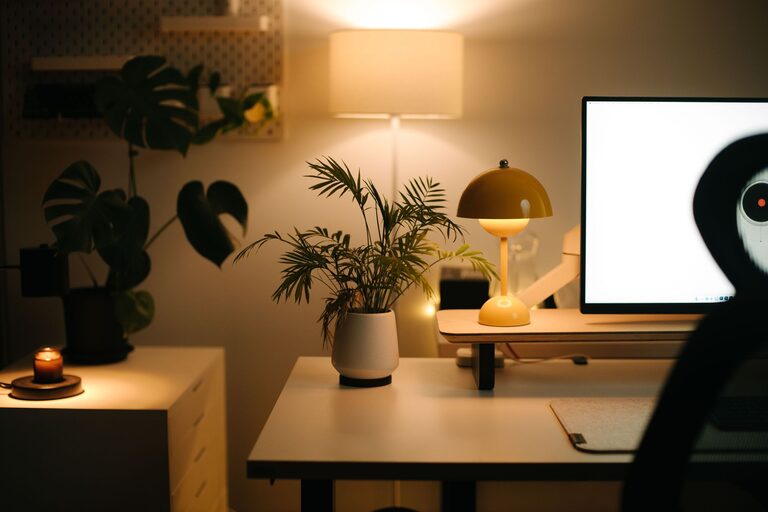
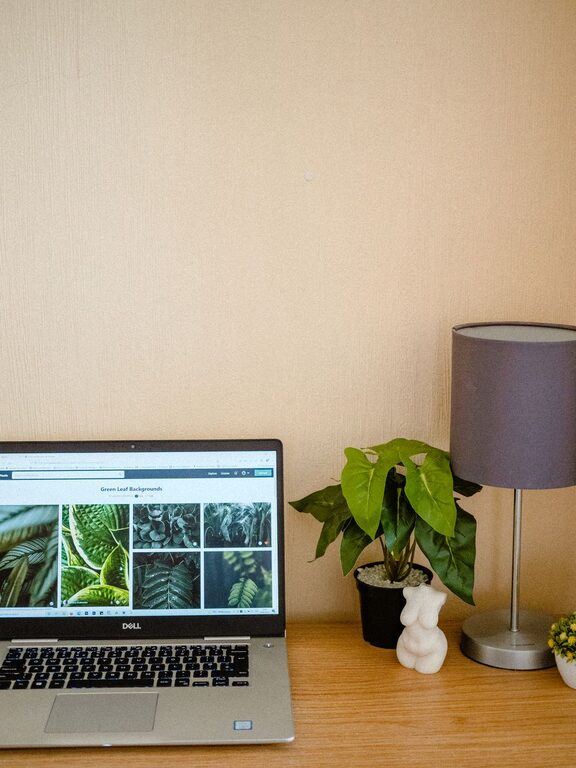
Incorporate personal touches like photos, plants, or artwork that inspire you without cluttering the area. Plants also improve air quality and add a refreshing element.
Add a cozy rug or cushion to soften the space and enhance comfort. These small touches make your office feel warm and welcoming.
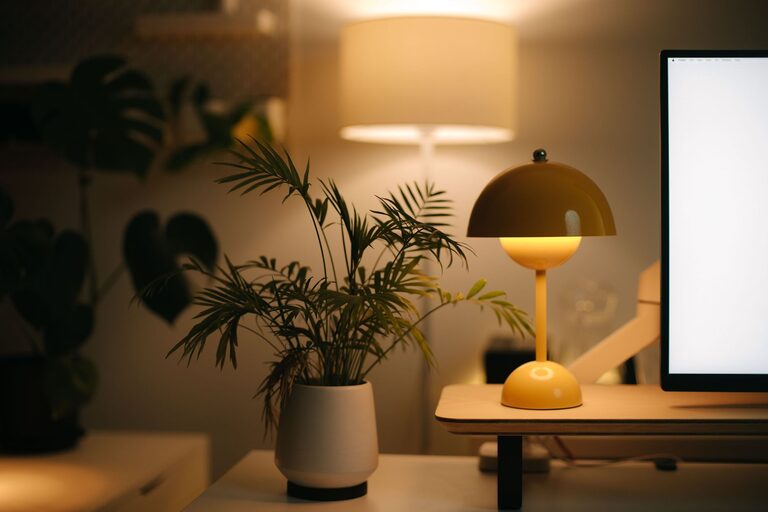
Good lighting reduces eye strain. Use a combination of ambient light for overall illumination and task lighting, such as a desk lamp, for focused work.
Lamps with adjustable brightness or color temperature allow you to tailor the lighting to the time of day and your preference.
Keep cords under control using clips, sleeves, or cable boxes. A tidy setup prevents accidents and keeps your workspace clean.
Invest in a good quality computer, monitor, keyboard, and mouse suited to your work style. Test your internet connection to ensure smooth remote meetings and uploads.
If space allows, designate a small area within your office for short breaks. A comfortable chair or a meditation corner can help you recharge during the day.
Rugs, lighting, or furniture arrangements can visually separate work zones from rest areas even within a single room.
Set aside time weekly to clear your desk and organize materials. A tidy workspace supports mental clarity.
Drawer organizers, trays, and labeled folders make it easier to find items and maintain order.
Schedule short breaks to stretch or walk around. Movement can reduce fatigue and boost creativity.
Establish clear work hours and communicate them to others. A designated office helps reinforce these limits and improves work-life balance.
—
By focusing on comfort, organization, and personalization, you can create a home office that supports both your wellbeing and productivity. Small changes, like improving lighting or adding personal touches, can transform your workspace into a place where you enjoy spending time and getting things done. Start with these tips to build a cozy and functional office that fits your unique needs.